Management Overview
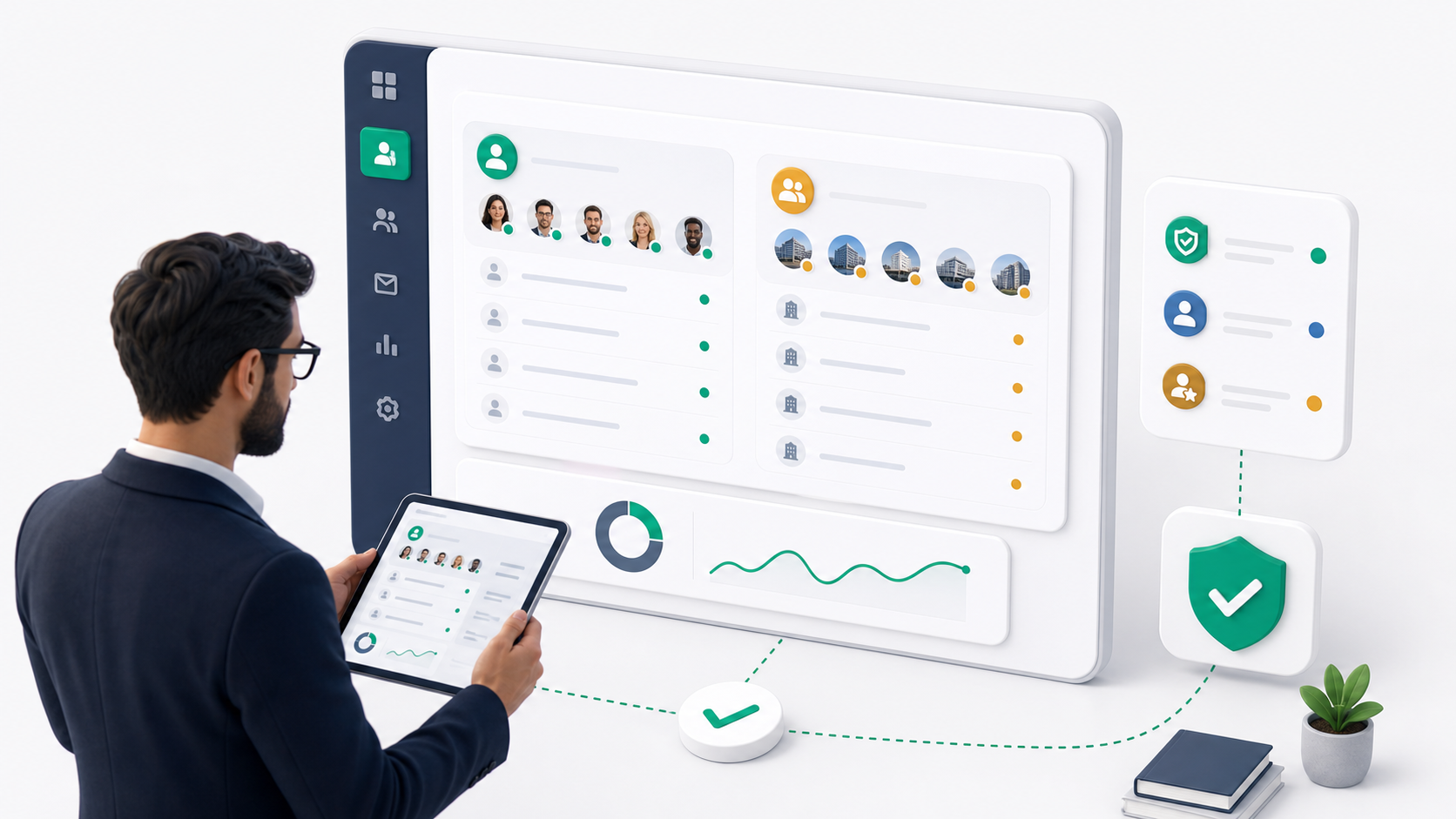
The Management area is where tenant admins manage the people connected to their tenant. It covers two main record types:
- Users: admins and staff members who can work inside the tenant admin portal, dispatcher tools, driver flows, warehouse flows, or other operational areas.
- Customers: people or businesses that place orders, receive deliveries, use customer-facing portals, or need business integrations such as API keys and webhooks.
Both areas use the same core profile system. A customer can remain customer-only with no role, or a tenant admin can assign a role when that person needs staff or admin access.
What management covers
Use Management to:
- View all staff/admin users.
- View all customers.
- Create a user directly with a password.
- Invite a person by email so they can finish setup themselves.
- Edit names, status, and user type.
- Reset passwords when a person cannot access the portal.
- Assign or change roles.
- Assign users or customers to all teams or selected teams.
- Open a detail page for profile, addresses, wallet, payout requests, and conditional business or driver sections.
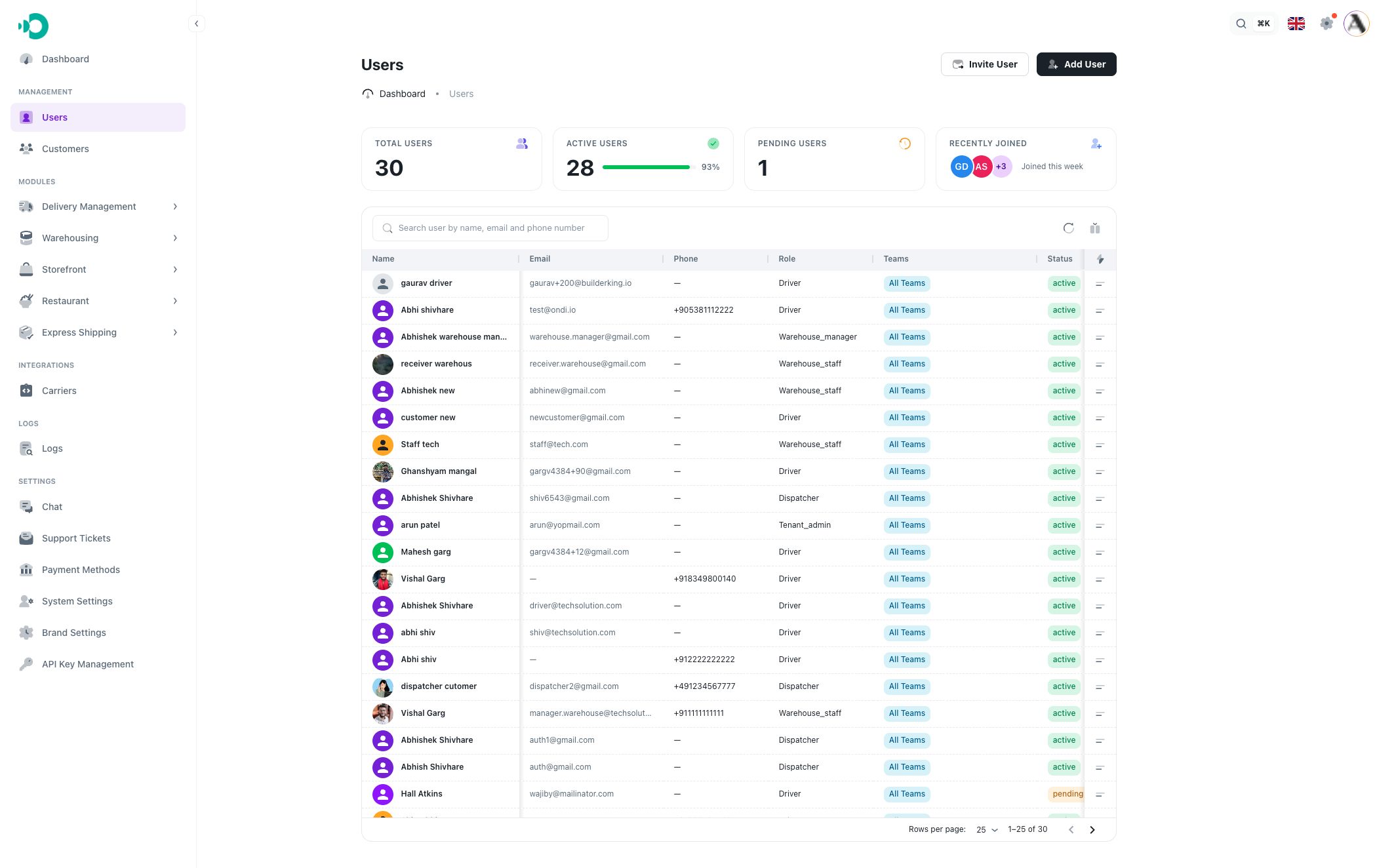
Users vs customers
Use Users when the person needs an operational role, such as tenant admin, dispatcher, driver, warehouse manager, warehouse staff, accountant, or another configured tenant role.
Use Customers when the person or business is mainly receiving service from the tenant. Customers can still have addresses, wallet activity, payout requests, teams, API keys, and webhooks depending on their type and setup.
Role behavior
Roles control access and permissions. When you add or invite a user and choose a role, the person becomes a role-based user. When you leave the role empty, Ondi treats the person as a customer record.
For customer records, only assign a role when you intentionally want that customer to also have staff/admin access.
Team behavior
Teams let tenant admins limit which team a user or customer belongs to. A record can be assigned to:
- All Teams, which means the record is not limited to one team.
- Selected teams, which limits team ownership and visibility where team filtering is used.