Delivery Overview
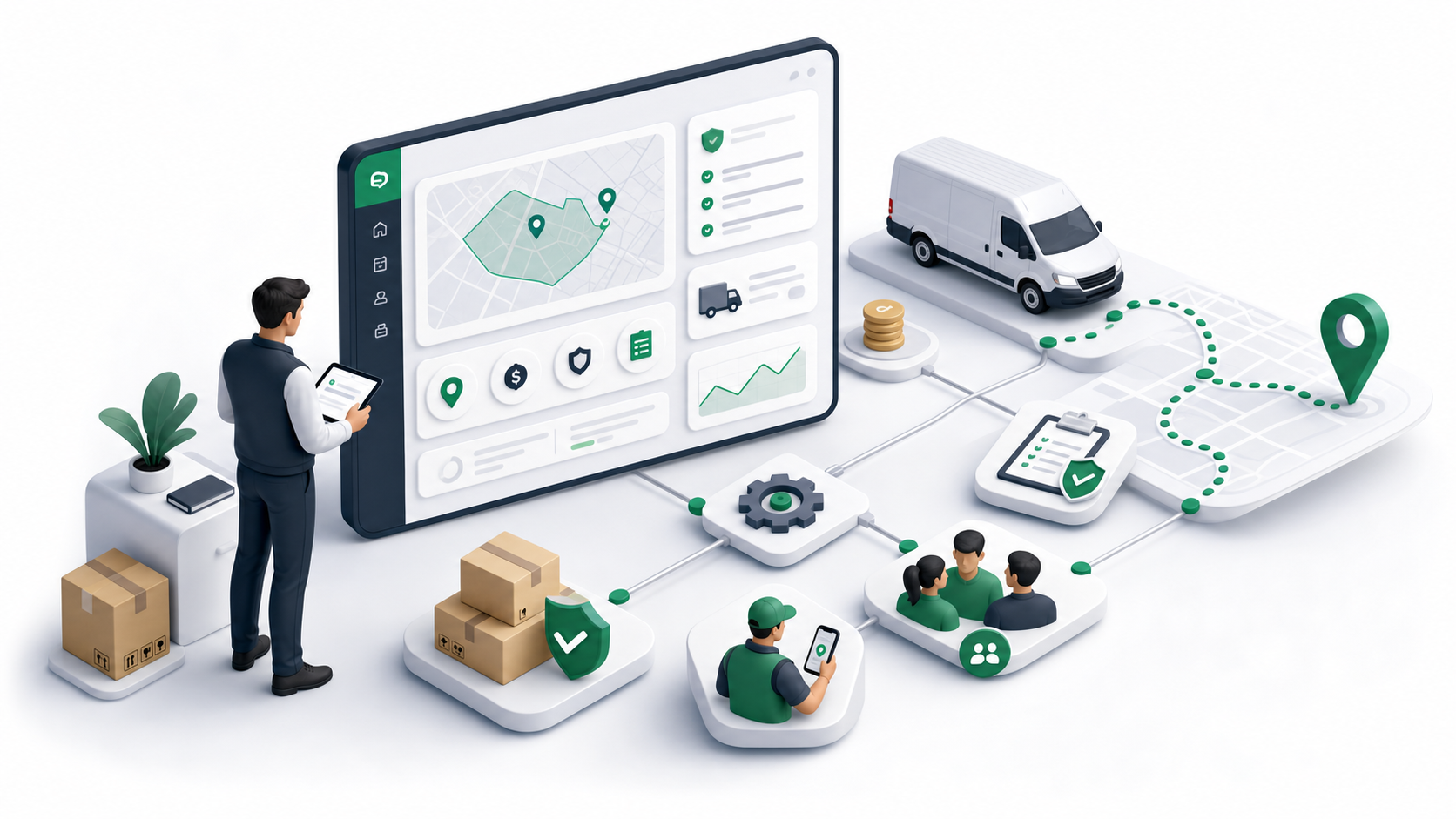
Delivery is Ondi's last-mile operations module. It connects the tenant admin portal, dispatcher console, driver mobile app, and customer portal so a tenant can define service areas, configure delivery services, assign work, track drivers, collect proof, manage COD, and let customers follow delivery progress.
Use Delivery when the business needs more than a shipping status. Delivery is where the team defines where service is available, how deliveries are priced, who can deliver them, which proof is required, and what customers and drivers see during the workflow.
How the module fits together
The tenant admin portal is the setup and management area. Admins configure zones, zone pricing, fulfillment policies, delivery services, vehicles, drivers, teams, assignments, waybills, trips, return requests, customer preferences, driver performance, exceptions, financial reporting, and customer portal settings.
The dispatcher console is the daily operations workspace. Dispatchers monitor delivery orders, pickup orders, pickup-and-delivery orders, waybills, trips, delivery routes, bulk actions, on-demand work, driver movement, and exceptions.
The driver mobile app is the execution layer. Drivers can go online, receive assignments, follow pickup and delivery routes, update delivery status, capture photos or signatures, handle COD, and complete route or trip work. Driver self-assignment appears only when the tenant setting allows it.
The customer portal is the self-service layer. Customers can create delivery orders, choose an available delivery service, enter pickup and drop-off details, review the price, place the order, track progress, download receipts, cancel when allowed, and open support tickets.
Recommended setup order
If you are setting up Delivery from the beginning, configure the records in this order:
- Zones define where delivery can happen.
- Zone Pricing defines prices between zones, tags, services, carriers, and unit tiers.
- Fulfillment Policies define assignment mode and proof requirements.
- Vehicles define the fleet options that drivers and services can use.
- Teams group users, drivers, services, and customers.
- Delivery Services connect delivery type, service level, access, zones, policies, vehicles, and teams into customer-facing options.
- Drivers connect tenant users to vehicles, zones, bank details, documents, certifications, and teams.
Services, policies, vehicles, drivers, and teams are connected. A service can use a policy profile, limit which vehicles are allowed, and be available to all teams or selected teams. A driver can have one or more vehicles, one primary vehicle, all zones or selected zones, preferred zones, and team assignments. A team can contain users, drivers, services, and customers.
A typical delivery flow
- Admins configure zones, zone pricing, policies, vehicles, teams, services, and drivers.
- A customer or staff member creates a delivery order.
- Ondi evaluates service availability, zone coverage, pricing, unit limits, and required order details.
- Dispatchers assign or group work into assignments, routes, trips, or waybills.
- Drivers handle pickup, delivery, proof, exceptions, COD, and completion in the mobile app.
- Customers track the delivery and review receipts or support options in the customer portal.
- Admins review dashboard data, reports, driver performance, financials, and exceptions.
Important behavior to remember
Active zones, services, vehicles, drivers, and policies are available for new work. Inactive records remain saved for history and reporting, but they should not be used for new setup unless reactivated.
Unit size is a tenant setting used by service limits, vehicle capacity, and driver capacity. In the portal, one unit can represent configured limits such as dimensions and weight. Manage the base unit size from System Settings.
Teams are operational groups, not only staff groups. They can include users, drivers, services, and customers. A service or driver can also be assigned to all teams, which disables manual team selection for that record.
Reports and dashboards depend on live operational data. If the tenant has not created enough delivery activity yet, charts or reports may show empty or preparing states.