Pickup Orders
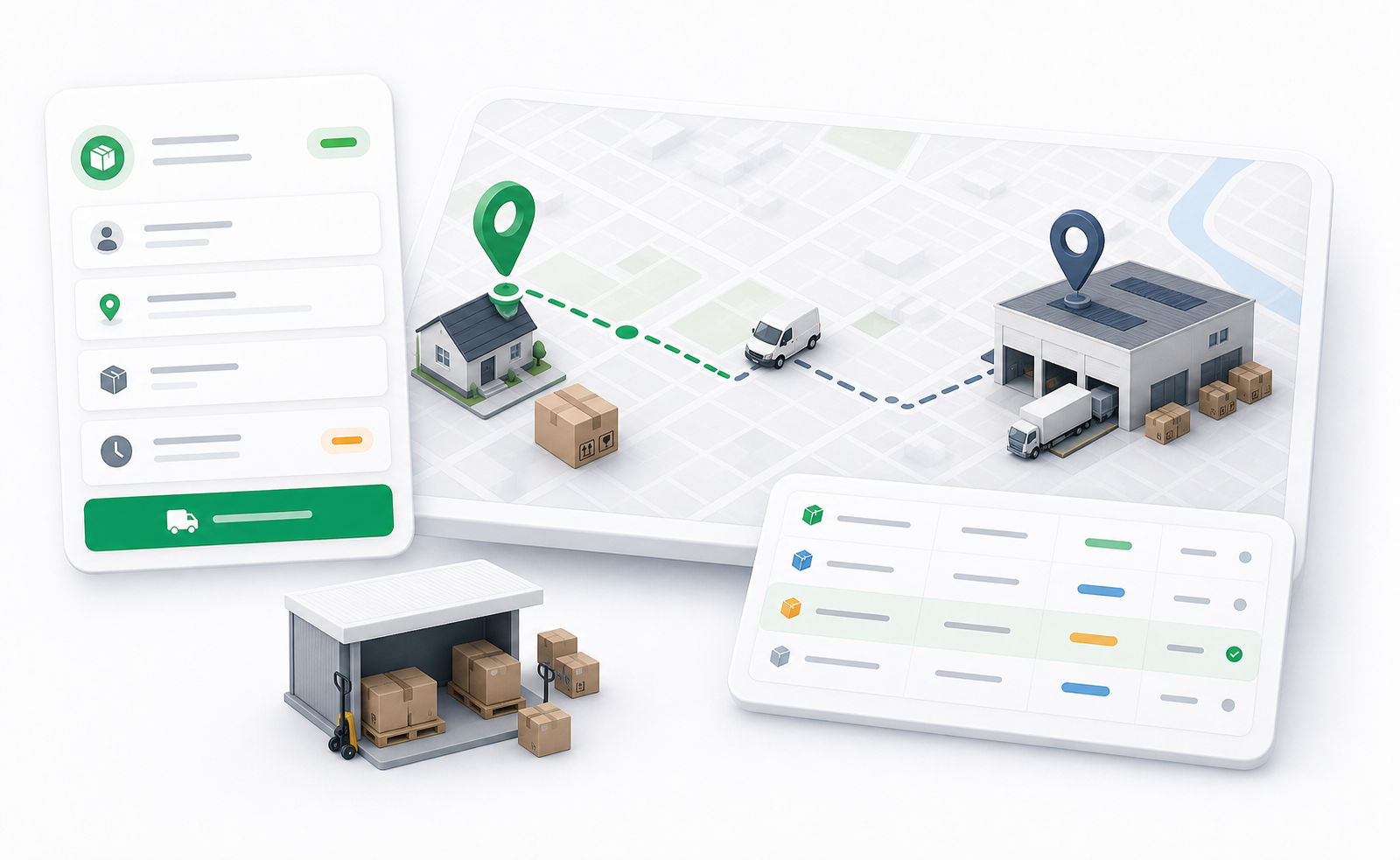
Pickup orders are used when the main dispatcher task is collecting a package from an origin. In many operations, the pickup ends at a warehouse, hub, or other controlled point before the package continues through another flow.
Dispatchers use pickup orders to control collection work separately from final delivery work.
When To Use Pickup Orders
Use a pickup order when:
- The driver needs to collect a package from a sender, customer, business, or warehouse.
- The package will be handed to a warehouse, hub, or transfer point.
- The pickup leg must be tracked independently.
- The final delivery may happen later or through another operational record.
Pickup orders still show pickup and dropoff information because every driver task needs a start and end point. The difference is that the work is pickup-focused, not a full end-to-end delivery workflow.
What Dispatchers Should Check
Before assigning a pickup order, review:
- Pickup address or pickup warehouse.
- Dropoff address or receiving warehouse.
- Pickup zone and dropoff zone.
- Customer account.
- Delivery service.
- Unit size and package details.
- Payment method if money collection applies.
- Driver vehicle suitability.
- Any package instructions.
Pickup Order Actions
Pickup orders use the same dispatcher actions as other delivery orders, with the same role and status restrictions.
| Action | Use it when |
|---|---|
| Create Order | A new pickup request needs to be entered manually. |
| Edit | Pickup details need correction before the order becomes locked by status. |
| Assign Driver | A driver is ready to collect the package. |
| Change Status | The dispatcher needs to correct or advance the lifecycle. |
| Events | A user needs to audit what happened to the pickup order. |
| Chat | The dispatcher needs to contact a customer, driver, or related participant. |
Common Status Flow
- Pending: The pickup order is created and waiting for dispatch.
- Assigned: A driver is assigned.
- Picked Up: The driver has collected the package.
- In Transit: The package is moving to the receiving point.
- Delivered: The pickup work has reached its intended dropoff point.
The exact business meaning of “delivered” depends on the pickup workflow. It may mean delivered to a hub or warehouse rather than delivered to the final customer.
If a pickup order is part of a larger process, use the order details page to look for child orders, return links, warehouse information, and related operational records.