Delivery Routes Overview
What is a Delivery Route?
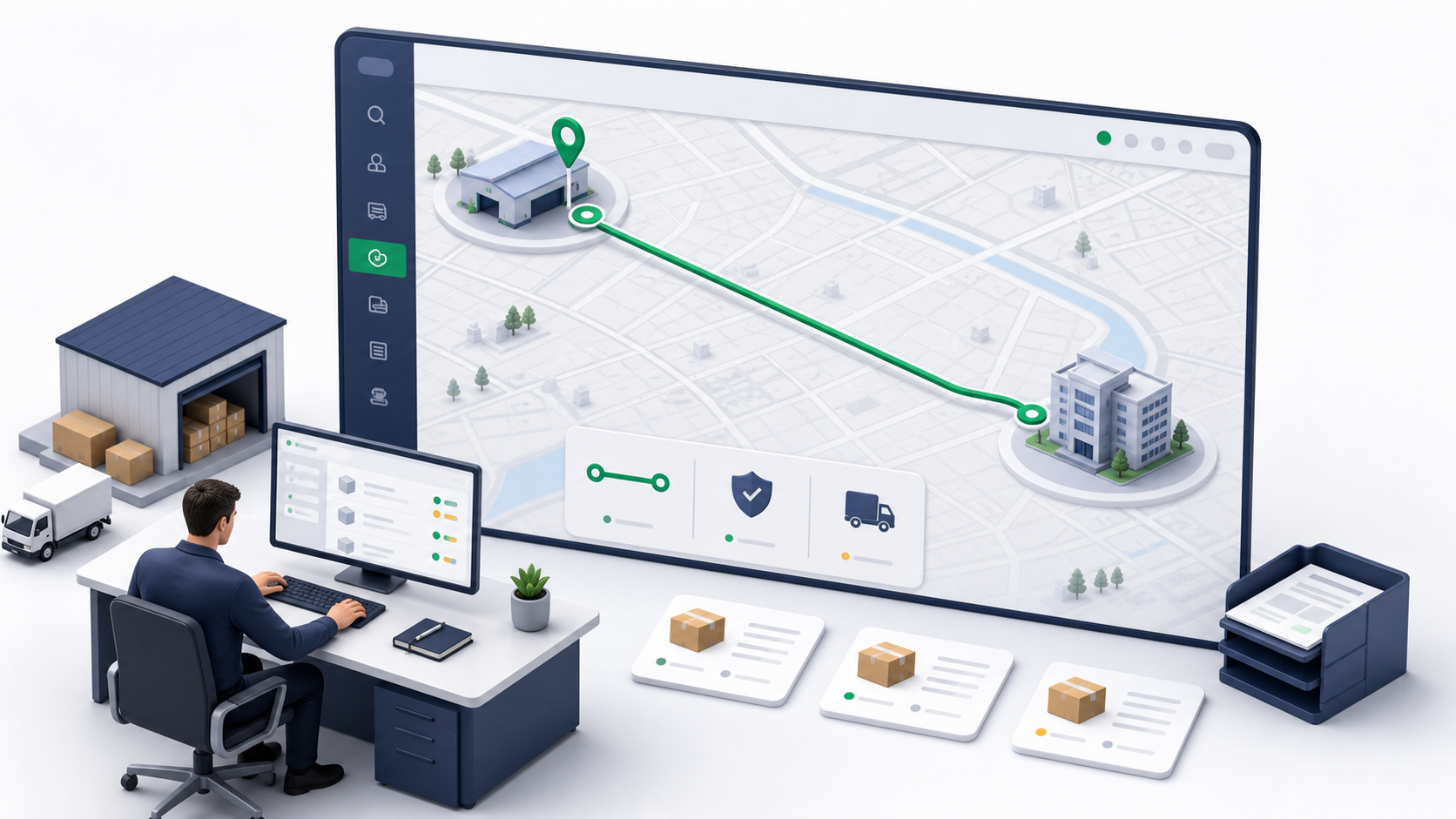
A delivery route is a reusable fixed lane between one origin and one destination. The route stores the route name, origin, destination, assigned driver, schedule settings, active state, and route sessions.
Routes are designed for repeatable operations. A dispatcher can create a lane once, assign a driver, and then add eligible deliveries into route sessions as work becomes available.
Use delivery routes when the business repeatedly moves orders through the same lane. Use Trips when one driver needs a multi-stop work plan. Use Waybills when a sealed batch manifest must preserve chain of custody from one origin to one destination.
Where to Find Delivery Routes
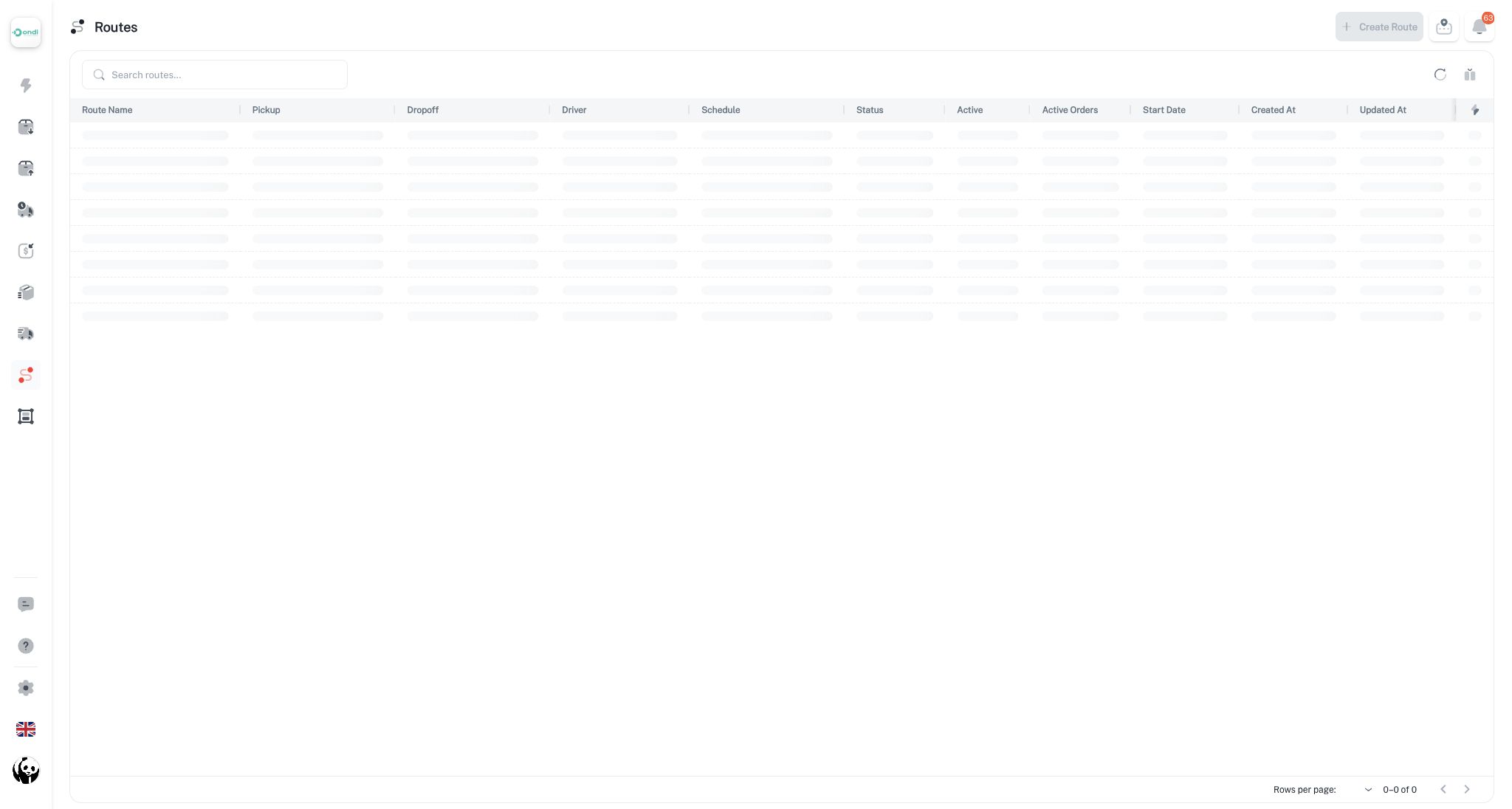
Delivery Routes are available in the dispatcher workspace at Dispatcher -> Delivery Routes.
In the current portal, Waybills and Trips have Tenant Admin pages under Delivery Management, while Delivery Routes are managed from the dispatcher route screen. Tenant admins who also perform dispatch work should open the dispatcher workspace to manage routes.
Main Concepts
- Route: The reusable lane configuration.
- Assigned driver: The driver responsible for route sessions created from the route.
- Route session: A live execution instance of the route. Sessions hold assigned deliveries and move through operational statuses.
- Eligible deliveries: Pending internal deliveries that are not locked inside active waybills and can be assigned to the route.
- Active orders: Current deliveries attached to route sessions.
Route Status
A route can be unassigned or assigned.
- Unassigned means the lane exists but does not yet have a driver.
- Assigned means the lane has a driver and can receive eligible deliveries.
Routes also have an active flag. Active routes are available for normal operations. Inactive or deleted routes should not be used for new work.
Route Session Status
Route sessions track the execution of assigned deliveries:
- Open: Deliveries can be added or removed.
- Started: The session has begun, but deliveries can still be adjusted in supported cases.
- Picked up: The driver has picked up the route session work.
- In transit: The session is moving toward delivery.
- Completed: All session deliveries are complete.
- Cancelled: The session was cancelled before the work moved too far.
Open and started sessions are flexible. Picked up and in-transit sessions are locked against adding new deliveries.
Routes are dispatcher-managed today. Documenting them beside Tenant Admin delivery features helps admins understand where the operational route controls live.