Waybills Overview
What is a Waybill?
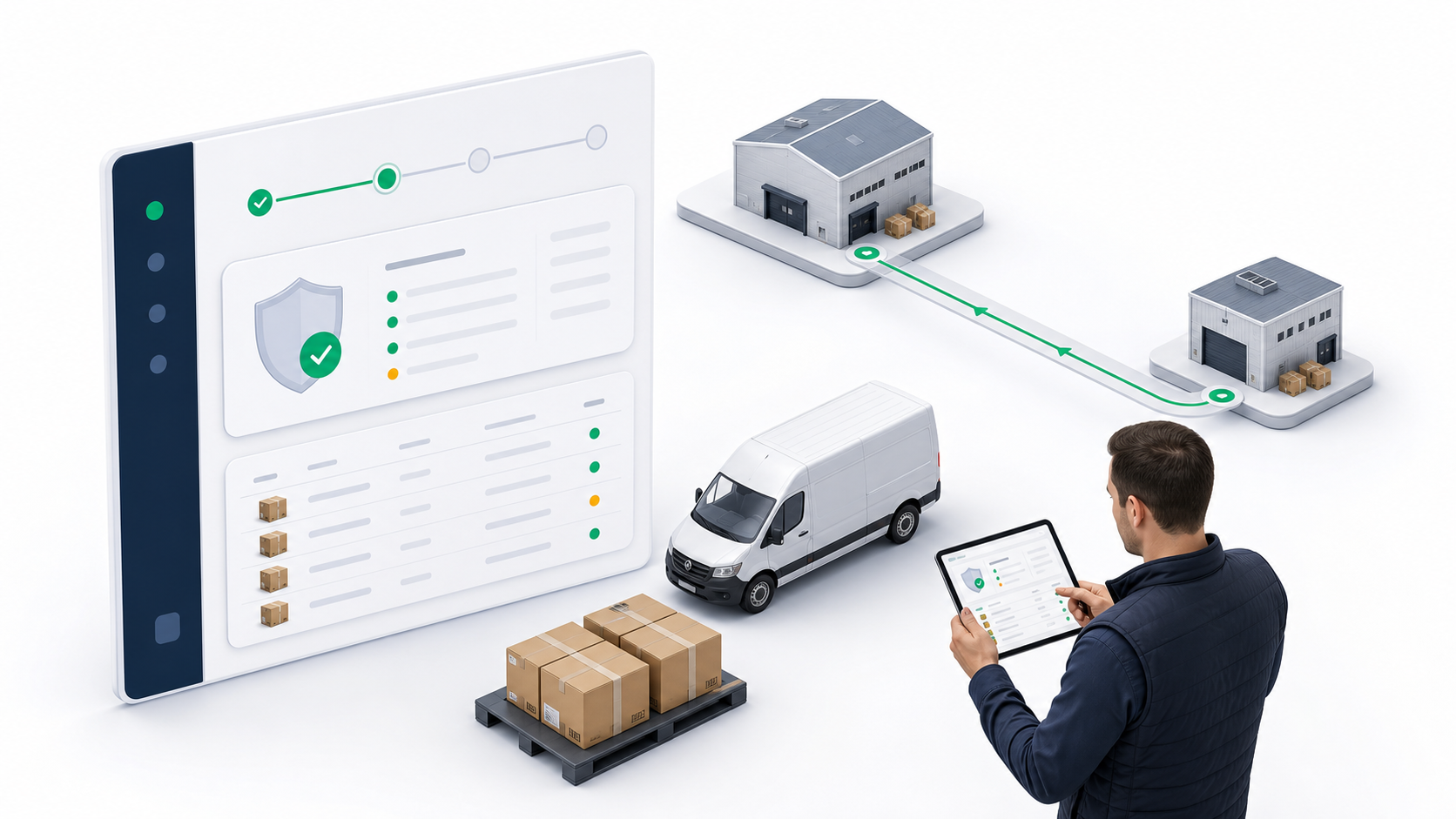
A waybill is a chain-of-custody batch transport document for deliveries that move together from one origin to one destination. It works like a manifest: the waybill records the origin, destination, carrier, assigned driver or external carrier reference, included deliveries, dispatch events, receiving events, proof of delivery, and return exceptions.
Use a waybill when a group of deliveries should be moved as one controlled batch, such as warehouse to warehouse transfers, warehouse to customer-location batches, customer-location to warehouse handoffs, or fixed location to fixed location moves.
Do not use a waybill as a route planner or a multi-stop driver worksheet. Use Trips when one driver needs a sequenced work plan across multiple pickup or dropoff stops. Use Delivery Routes when dispatchers need reusable fixed lanes and live route sessions.
Where to Find Waybills
Tenant admins can open waybills from Tenant Admin -> Delivery Management -> Waybills.
Dispatchers can open the same feature from Dispatcher -> Waybills. The admin and dispatcher views use the same underlying waybill workflow, but each workspace places the feature in the navigation area used by that role.
What You Can Do From the List
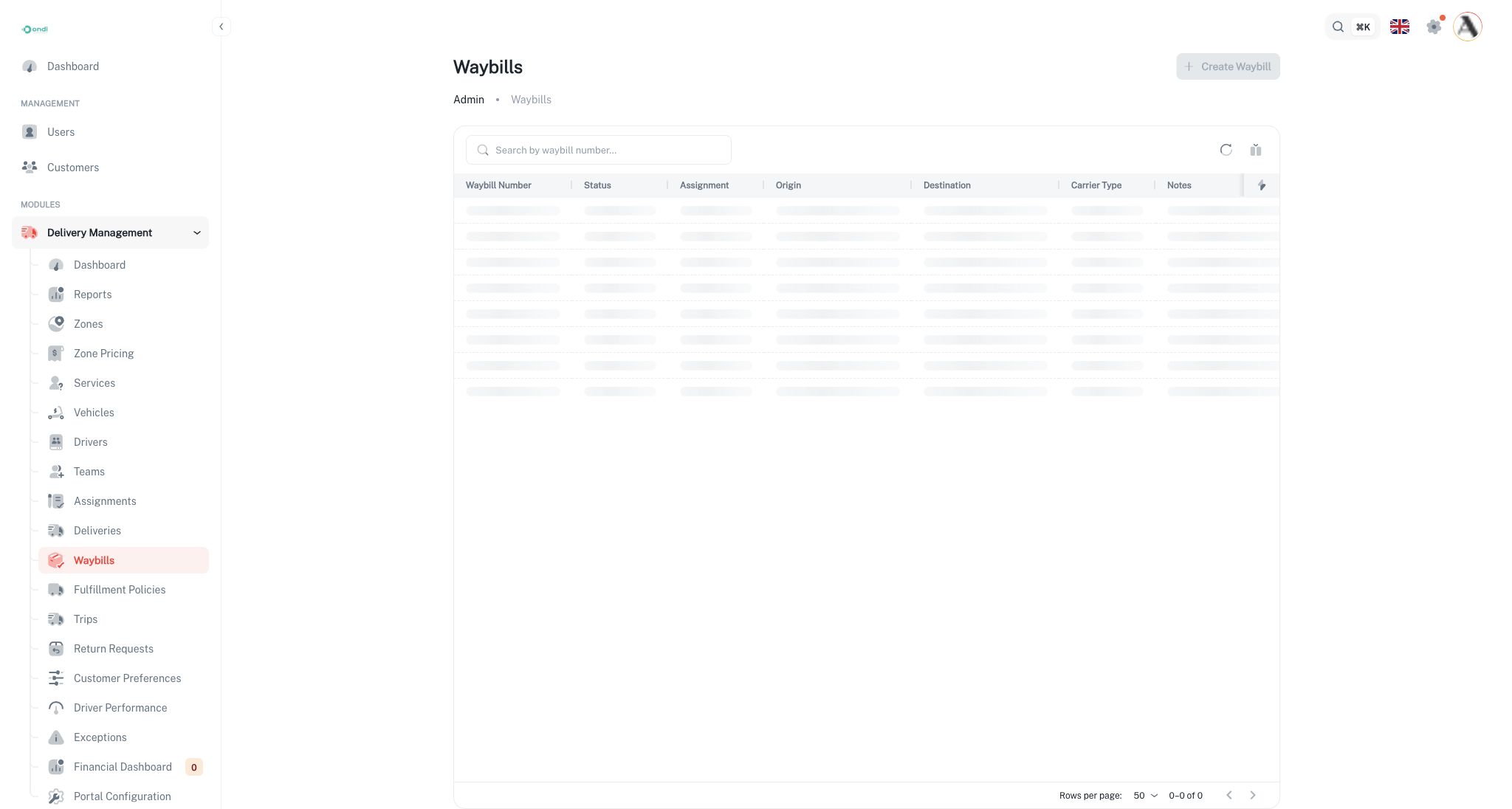
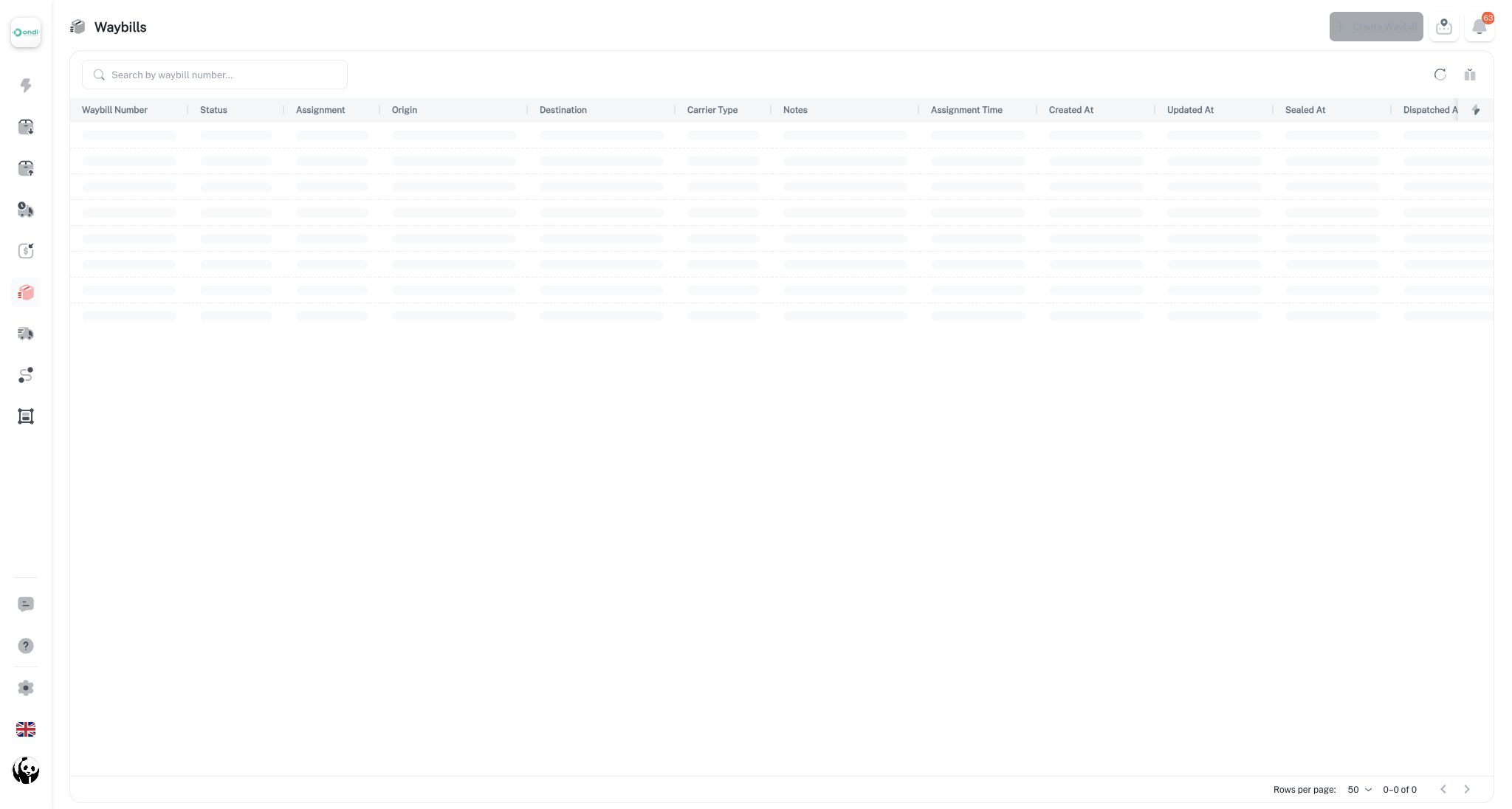
The Waybills list is the main operations screen for finding, auditing, and continuing existing waybills.
- Search by waybill number.
- Filter columns such as status, carrier type, assignment time, created date, sealed date, dispatched date, received date, closed date, and cancelled date.
- Sort the list by supported columns.
- Open a waybill detail page.
- Edit a drafted waybill.
- Continue lifecycle actions such as seal, assign driver, switch driver, unassign driver, dispatch, receive, close, return deliveries, or cancel, depending on the waybill status and carrier type.
Key Fields
- Waybill number: The system generated identifier, such as
WB-00001, used to track the manifest. - Status: The current lifecycle stage of the waybill.
- Origin: The warehouse or location where the batch starts.
- Destination: The warehouse or location where the batch should be received.
- Carrier type: Internal fleet, prime carrier, or external carrier.
- Driver and vehicle: Used for internal carrier waybills.
- External reference: Used when a prime or external carrier handles the movement.
- Deliveries: The delivery orders included in the waybill.
- Timeline fields: Assignment, seal, dispatch, receive, close, and cancel timestamps.
Status Flow
Waybills move through a controlled lifecycle:
- Drafted: The waybill exists and can still be edited. Deliveries can be added or removed.
- Sealed: The manifest is locked. Delivery membership can no longer be changed.
- Picked up: An internal driver has started the pickup flow.
- In transit: The batch is moving to the destination.
- Received: The destination has received the batch.
- Closed: The waybill is complete and locked for normal operations.
- Cancelled: The waybill was cancelled before completion.
Internal carrier waybills usually move through driver assignment and driver actions. Prime and external carrier waybills are dispatched and received manually by operations users.
When Deliveries Are Eligible
A delivery can be added to a waybill only when it belongs to the same tenant, is not deleted, is not already locked inside another active waybill, and is still in an eligible pre-execution status such as draft, pending, or staged at warehouse.
After a delivery is inside an active waybill, direct status changes on that delivery are restricted. The waybill lifecycle controls the movement so the batch stays consistent.
Create waybills for fixed-origin, fixed-destination batch movement. If the driver will visit many stops in sequence, create a trip instead.