Trips Overview
What is a Trip?
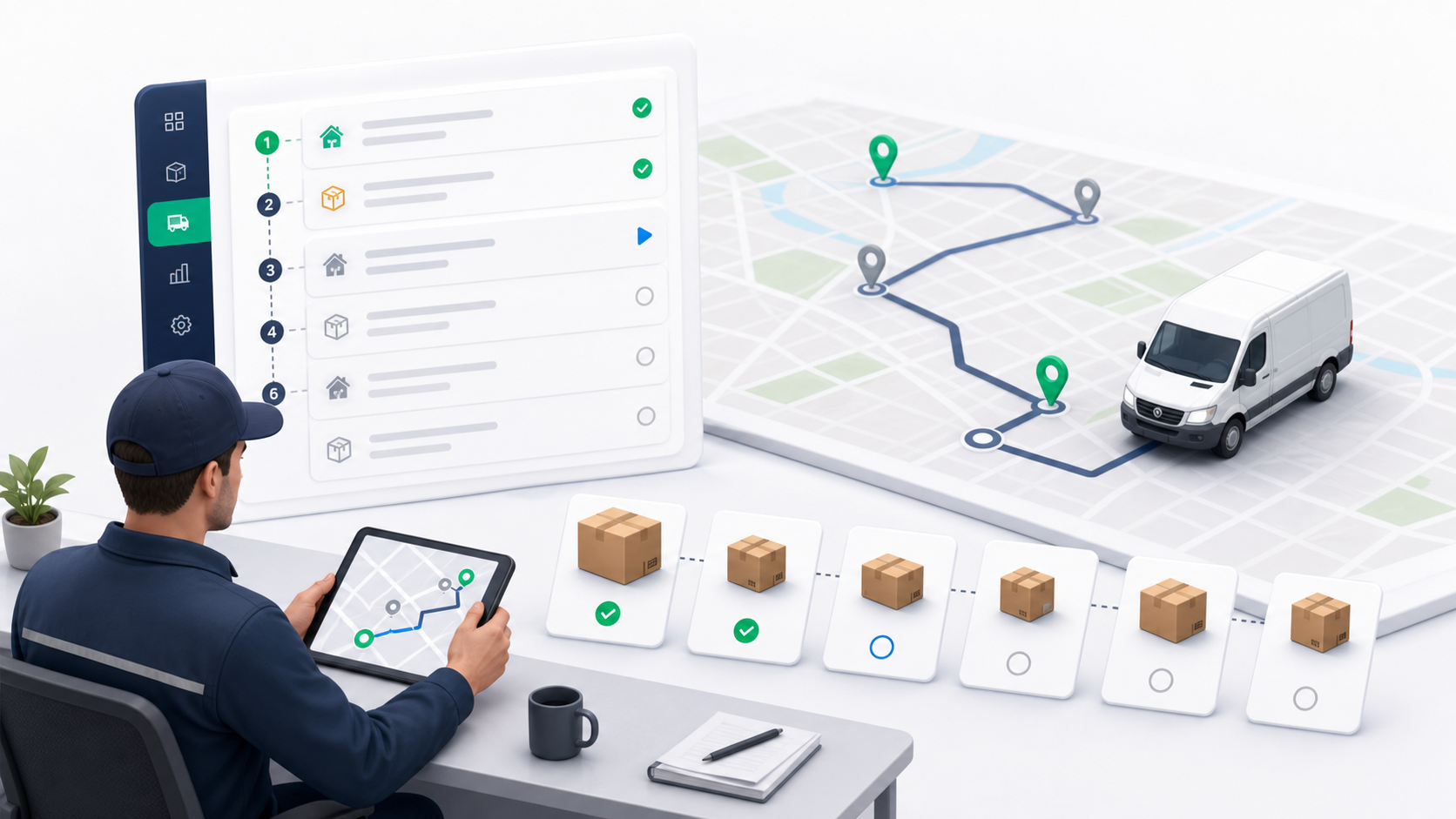
A trip is a driver work plan for a group of deliveries across one or more stops. It gives operations a way to group deliveries for one driver, order the work, track progress, and review returned or completed items.
Trips are built around executable delivery rows. Each delivery keeps its own lifecycle, proof of delivery, and return outcome. A trip can finish with mixed results, such as some deliveries completed and others returned or cancelled.
Use a trip when a driver needs a practical stop list. Do not use a trip as a chain-of-custody batch document. Use a Waybill when many packages move together from one origin to one destination as a manifest. Use Delivery Routes when dispatchers need reusable lanes and route sessions.
Where to Find Trips
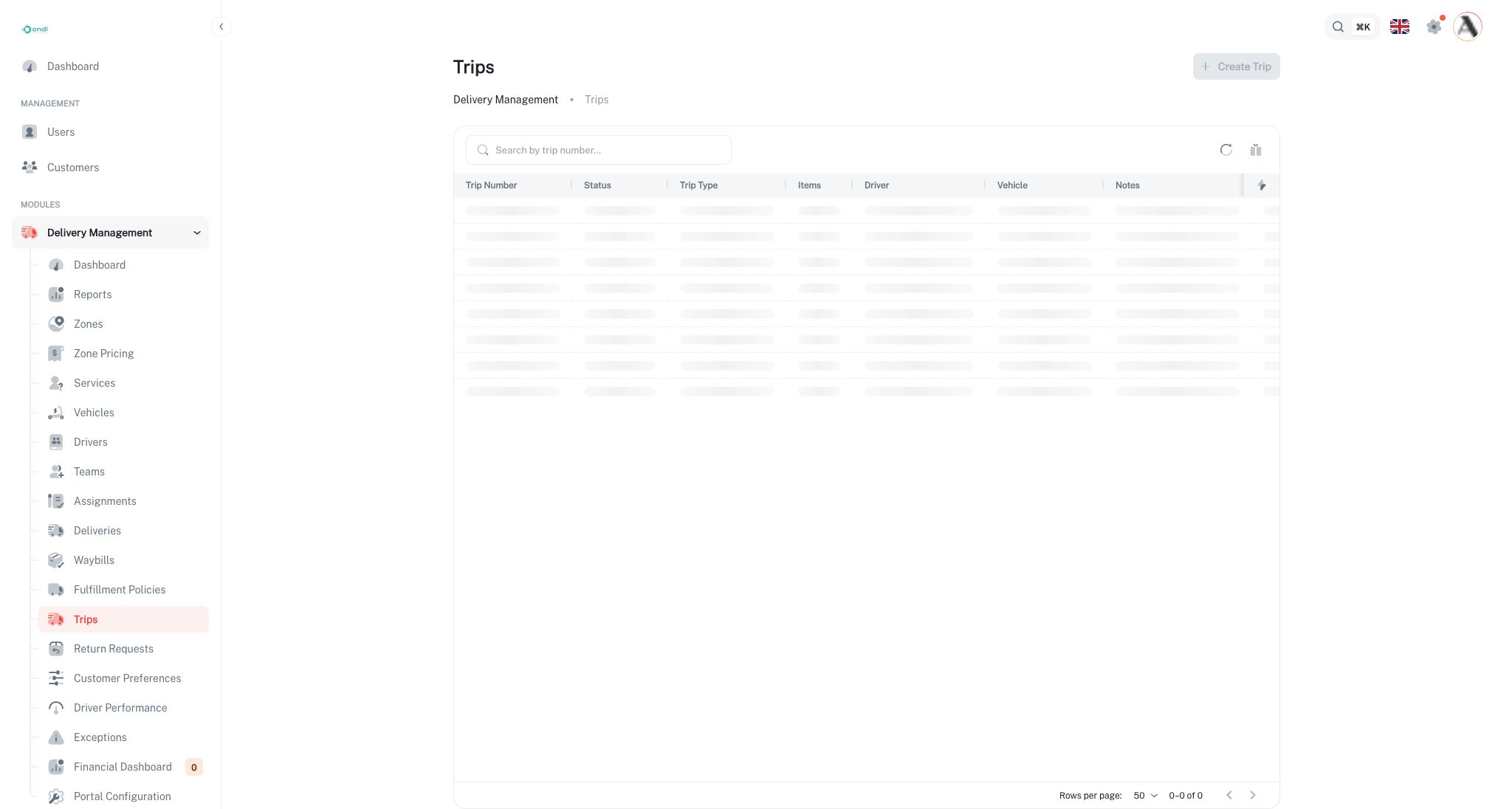
Tenant admins can open trips from Tenant Admin -> Delivery Management -> Trips.
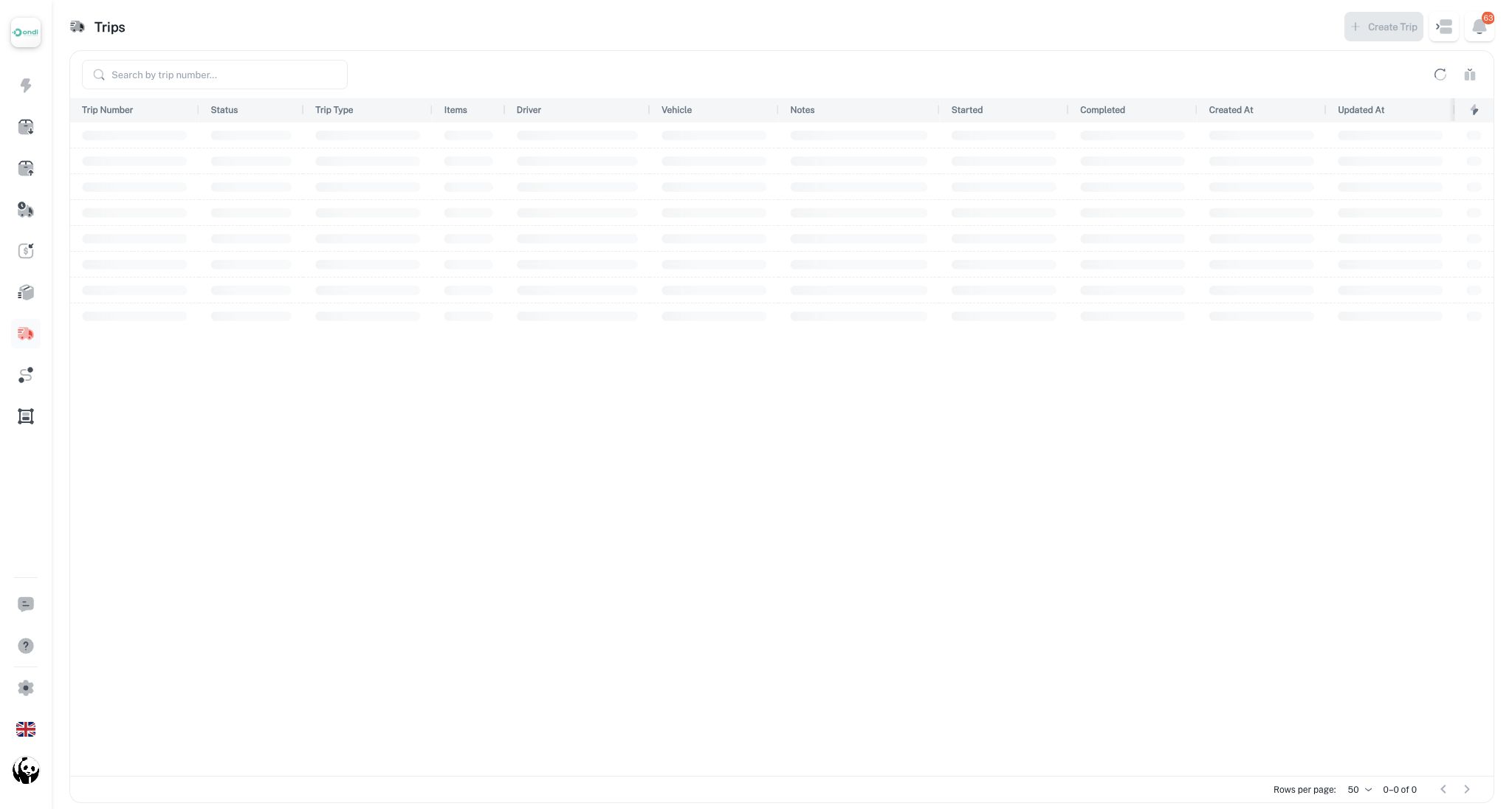
Dispatchers can open the same feature from Dispatcher -> Trips.
Trip Types
Trips support three operational patterns:
- Multi pickup: The driver collects from multiple pickup stops.
- Multi dropoff: The driver delivers to multiple destinations.
- Mixed: The trip includes both pickup and dropoff work.
Choose the type that best describes the stop pattern. The type helps teams understand the trip at a glance and keeps reporting consistent.
What You Can Do From the List
The Trips list gives admins and dispatchers a searchable table of trip plans.
- Search by trip number.
- Filter by status, trip type, driver, vehicle, item count, dates, and notes.
- Sort supported columns.
- Open the trip detail page.
- Edit planned trips.
- Cancel planned trips when the work should no longer be executed.
Only planned trips can be edited or cancelled from the normal list actions. Once execution starts, the trip should be reviewed from the detail page and through delivery outcomes.
Status Flow
Trips use a simpler status model than waybills:
- Planned: The trip has been created and can still be adjusted.
- In progress: At least one included delivery has moved into active execution.
- Completed: All included deliveries have reached terminal outcomes.
- Cancelled: The trip was cancelled before execution.
Trip status can be derived from the included delivery statuses. This keeps the trip aligned with actual driver progress instead of relying only on manual updates.
Eligible Deliveries
Deliveries can be added to a trip when they are still in an eligible pre-execution state such as draft, pending, assigned, or staged at warehouse. The system prevents adding deleted deliveries, deliveries from another tenant, hybrid parent records, and deliveries already assigned to another trip.
Use trips for driver workload planning. A trip is most useful when the order of stops matters to the person doing the work.