Financial Controls and Audit
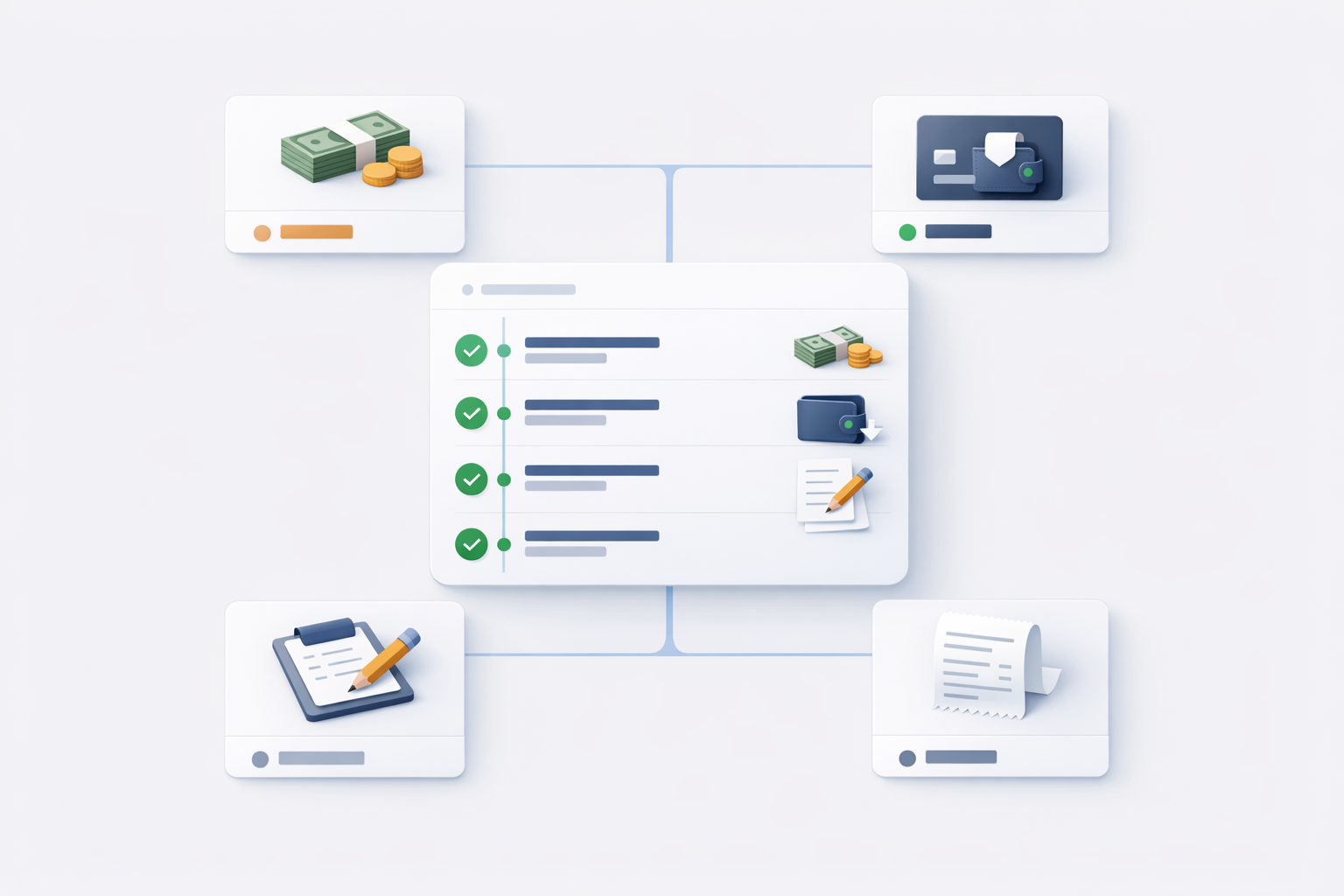
COD remittance and wallet settlement both create financial records. The purpose of the workflow is to make every cash or wallet settlement traceable from delivery completion to driver accounting.
What each action records
| Action | COD status after action | Wallet impact | Human confirmation needed |
|---|---|---|---|
| Driver completes COD delivery | collected | None for settlement | No, created by delivery completion |
| Dispatcher records cash remittance | remitted | Credits the COD receiver wallet ledger | Yes, cash must be received and counted |
| Driver/admin settles by wallet | settled_by_wallet | Debits driver wallet by COD total | Yes, settlement must be confirmed |
| Admin manual credit/debit | No COD status change | Adds or removes wallet balance | Yes, requires finance/support reason |
Audit trail
For each confirmed action, the system stores enough information to review the event later.
Cash remittance stores:
- COD collection IDs.
- Driver.
- Amount remitted.
- Remittance timestamp.
- Actor who confirmed the remittance.
- Optional reference and notes.
Wallet settlement stores:
- COD collection IDs.
- Driver.
- Wallet transaction ID.
- Amount settled.
- Settlement timestamp.
- Actor who confirmed the settlement.
- Optional reference and notes.
Manual transaction stores:
- Driver wallet.
- Credit or debit type.
- Amount.
- Required reason.
- Optional reference and notes.
- Actor who created the correction.
Manual controls
Use these controls to keep reconciliation clean:
- Require dispatchers to count cash before clicking Remit Selected.
- Require references for weekly or shift-level remittance batches.
- Use one driver per remittance batch where possible.
- Do not mix cash remittance and wallet settlement for the same COD records.
- Review driver accounting before large wallet settlements.
- Use manual wallet transactions only for approved corrections.
Common scenarios
Driver hands over all cash
Use Dispatcher -> Remit Collections. Filter by driver and date, select the matching COD records, and click Remit Selected.
Result: COD records become remitted.
Driver keeps cash and pays from wallet
Use Settle by Wallet from dispatcher or from the driver's admin accounting tab.
Result: COD records become settled_by_wallet, and the driver wallet is debited by the COD total.
Driver wallet has earnings and COD pending
Wallet settlement uses the wallet's combined balance. It does not separate COD money from earnings. The debit amount is only the pending COD total, but it can reduce money that came from driver earnings or other wallet credits.
Cash count does not match selected COD
Do not confirm remittance. Recheck filters, dates, selected rows, and driver. If the difference is real, document it and use an approved support or finance process before creating manual adjustments.
COD was already settled
Do not try to remit it again. Check whether the status is remitted or settled_by_wallet.
Reconciliation checklist
- Review pending
collectedCOD by driver. - Match the selected total to the physical cash or wallet settlement decision.
- Confirm only one settlement path for each COD record.
- Add a reference when the settlement belongs to a finance batch.
- Reopen driver accounting after settlement and confirm the totals changed as expected.
- Use the wallet tab to inspect transaction details when there is a dispute.
Important behavior to remember
- Wallet settlement deducts only the pending COD total, not the full wallet balance.
- Wallet settlement requires enough wallet balance.
- Cash remittance marks records as
remitted. - Wallet settlement marks records as
settled_by_wallet. - Manual wallet transactions do not change COD record status.